Google Premier Partner
 Meta Business Partner

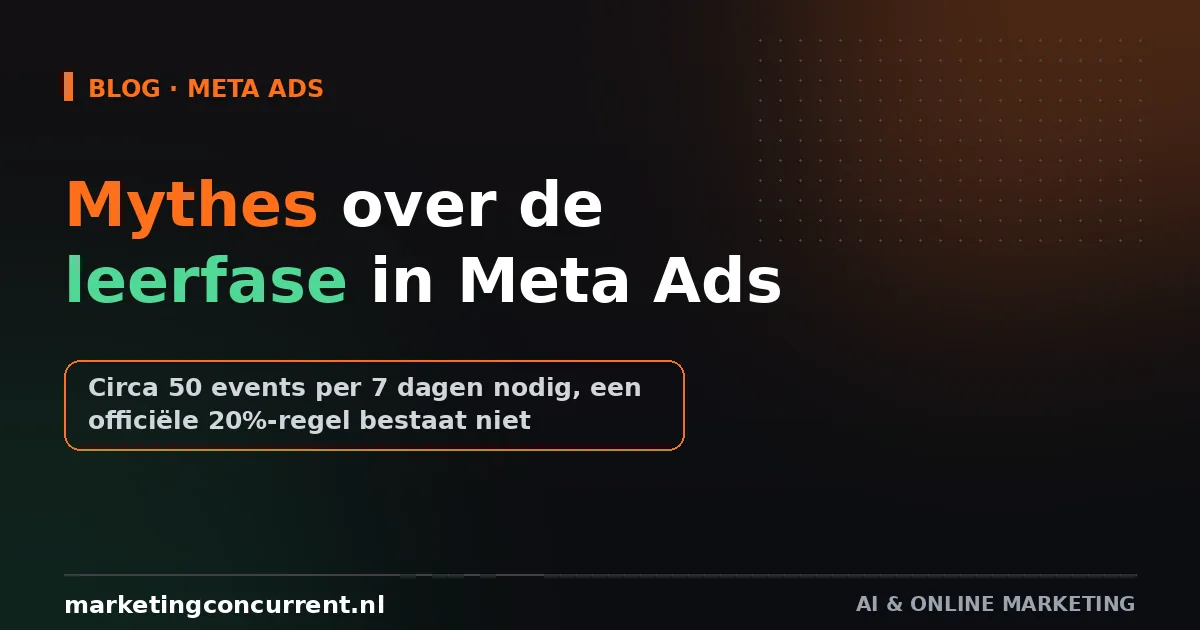
Since mid-August, Meta AI can dig through your ad account itself and tell you in plain language what is and is not working. You ask a question like "which ad dropped off this month" and get an answer based on your own data, not a generic list of tips. For SMB owners who do not have time to scroll through Ads Manager themselves every week, that is potentially a real help, especially for those who take Meta advertising seriously but cannot make a full-time job of it. The feature is now rolling out on meta.ai, in the mobile app and on desktop, free to get started, with a paid Meta One subscription for those who want to lean on it more heavily. What you can already do with it today, and why you should not adopt its advice blindly, is covered below.
What exactly Meta AI can do now
The new feature combines three things you previously had to piece together separately. First, campaign optimisation: Meta AI points you to ads that are no longer performing well and suggests adjustments. Second, creative analysis, where the system not only shows numbers but also recognises patterns in what works, and tries to explain why an ad has slipped. Third, budget insight: where in your account is the money actually delivering results, and where is it leaking away. Meta itself calls this conversational campaign analysis, and that is exactly what it is: you type or speak a question, and get an answer that reads like a colleague who has just been through your account.
How it works and what data it uses
Meta AI looks back over more than ninety days of ad data, and can also be connected to your Facebook and Instagram pages for organic statistics such as reach, saves, shares and profile visits. There is also a form of competitor benchmarking: the system looks at publicly visible content and engagement from comparable brands, and shows whether you are ahead of or behind them. Those who want to go further can connect Google Workspace, so Gmail, Docs, Sheets and Slides, giving Meta AI more business context when answering questions. The system uses that same connection to prepare reports directly as a document or spreadsheet, and you can set up recurring tasks, for example a weekly overview that automatically lands in your inbox.
Free to start, Meta One for the rest
Access is initially free, which keeps the barrier low for small advertisers. For more intensive use, a subscription called Meta One is coming. What that will cost and exactly where the line between free and paid lies, Meta did not disclose at the announcement. That is not unusual in itself; those kinds of limits often only become clear once users run into them in practice. For now, it is sensible to test the free version for a few weeks before paying for anything, if only to see whether the advice matches what your account specifically looks like.
Meta AI is happy to tell you how to advertise more effectively on Meta. It remains your own job to determine whether that is actually profitable.
What you can practically do with it
Start small. Ask a few concrete questions instead of an open request for "tips". Questions such as "which audience delivered the cheapest purchases over the past month" or "which ad has been losing reach for two weeks" produce more usable answers than something vague. What we often see with advertisers is that an AI tool only becomes useful once you treat it as an assistant that answers specific questions, not as an oracle that sets the strategy on its own. That applies more broadly to AI in online marketing: the workflow determines the value, not the tool.
Only connect Google Sheets if you genuinely intend to use the reports. A connected account nobody opens mainly creates an extra access point to your business data with nothing in return. For an online store with a marketing budget of roughly 1,500 euros per month, a weekly automatic overview quickly becomes more useful than for a local service provider running just two active ad sets that they can review themselves in five minutes.
The caveat you must not skip
Meta AI advises you on how to advertise more efficiently on a platform where Meta itself earns more when you spend more. That does not make the advice wrong by definition, but it is a reason to test it against your own margin before shifting budget. A recommendation to increase budget for a well-performing audience, for example, only makes sense if that audience is also profitable after deducting your costs, not just cheap in cost per result. So treat the output as a starting point for your own research, not as a decision you execute automatically. Before making big budget jumps, also read our post on the myths around the learning phase in Meta Ads.
What you can do this week
- Open Meta AI via meta.ai or the app and ask a specific question about your worst-performing ad set of the past two weeks.
- Compare the answer with what you see in Ads Manager yourself, before adjusting a budget based on the advice alone.
- Only connect Google Workspace once you have a concrete report in mind, for example a weekly summary for a client or colleague.
- Note for yourself which questions produced usable answers, so you can repeat them faster next time instead of formulating them from scratch every time.
Want to know whether Meta AI's advice actually fits your margin? Book a strategy call and a senior strategist will go through it with you.
Frequently asked questions
Is Meta AI for ad analysis free?
Yes, initially it is. For more intensive use, Meta is introducing a paid subscription called Meta One, but the price and the exact boundary with the free version were not disclosed at launch.
Does this replace my own reporting in Ads Manager?
No, think of it more as a quick first analysis. The underlying figures in Ads Manager remain the source, and especially for recommendations involving budget it is wise to check them against your own margin and goals.
Do I have to connect Google Workspace to use the feature?
No, that is optional. The basic analysis of your Meta ads and organic statistics works without that connection. Google Workspace mainly adds convenience if you want to receive the output automatically as a document or spreadsheet.